Google Authenticator
To use Google Authenticator, enable two factor user login then enable Google Authenticator in host settings Security tab.
Usage
Install Google Authenticator mobile app to your mobile phone (Search for "Google Authenticator" to install).
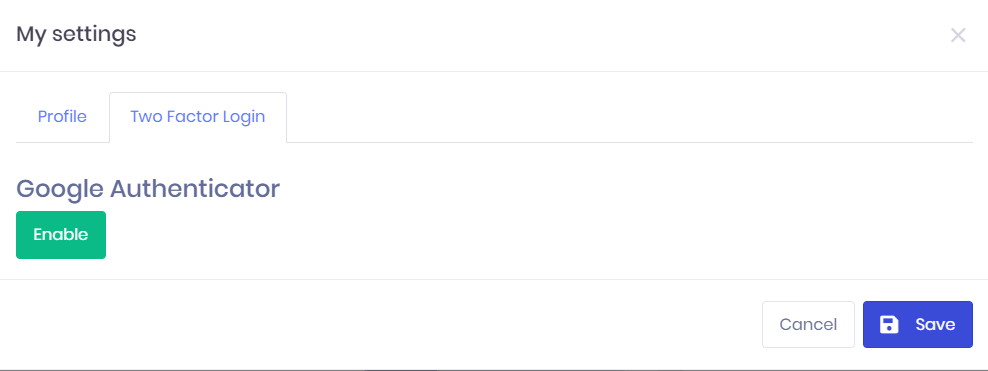
In IntelliSent, go to My settings-> Two Factor Login tab and enable Google Authenticator.
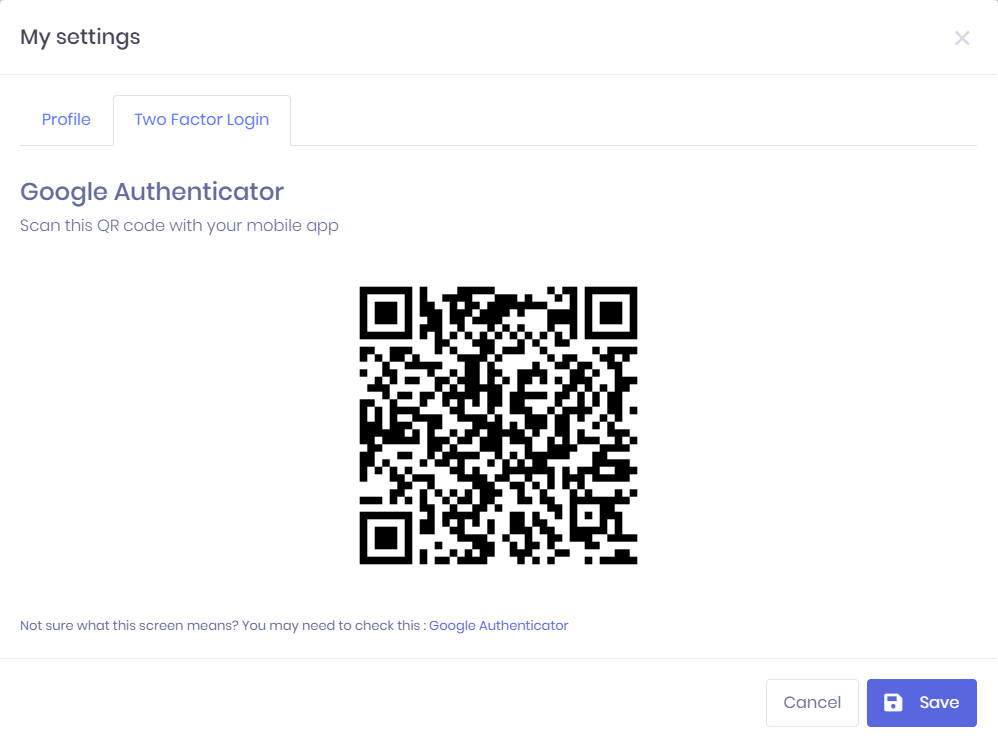
After enabling Google Authenticator, you will see a QR Code like below. Open your app and scan QR code.
After that you will be able to use Google Authenticator during two-factor login.
When you try to login, you will see Google Authenticator option:
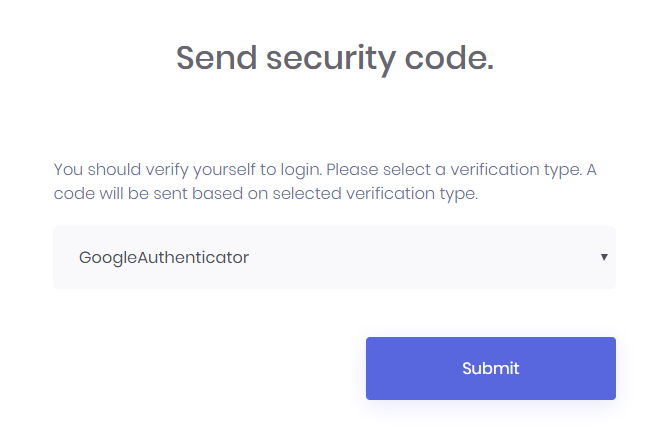
Select GoogleAuthenticator and then open Google Authenticator mobile app on your mobile phone.
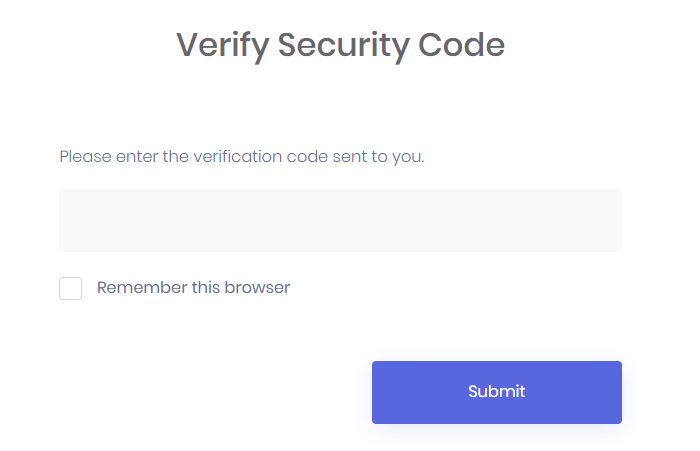
Enter the code you see on the Google Authenticator app as the verification code:
Last modified: 16 October 2024