Subscription
Tenants can manage (see, extend or upgrade) their edition/plan subscriptions using this page:

All payment records for purchasing/extending/upgrading the subscription are kept in the system. These records can be seen on "Payment History" tab on subscription page.
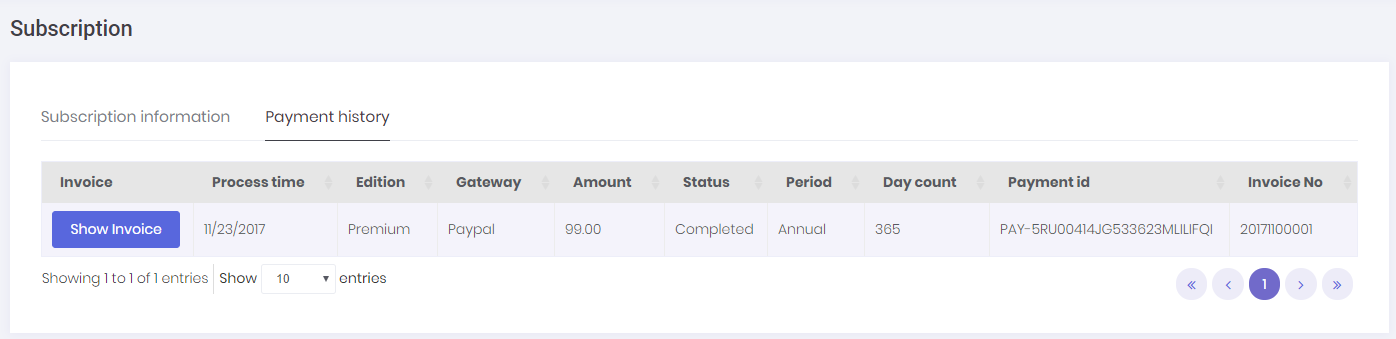
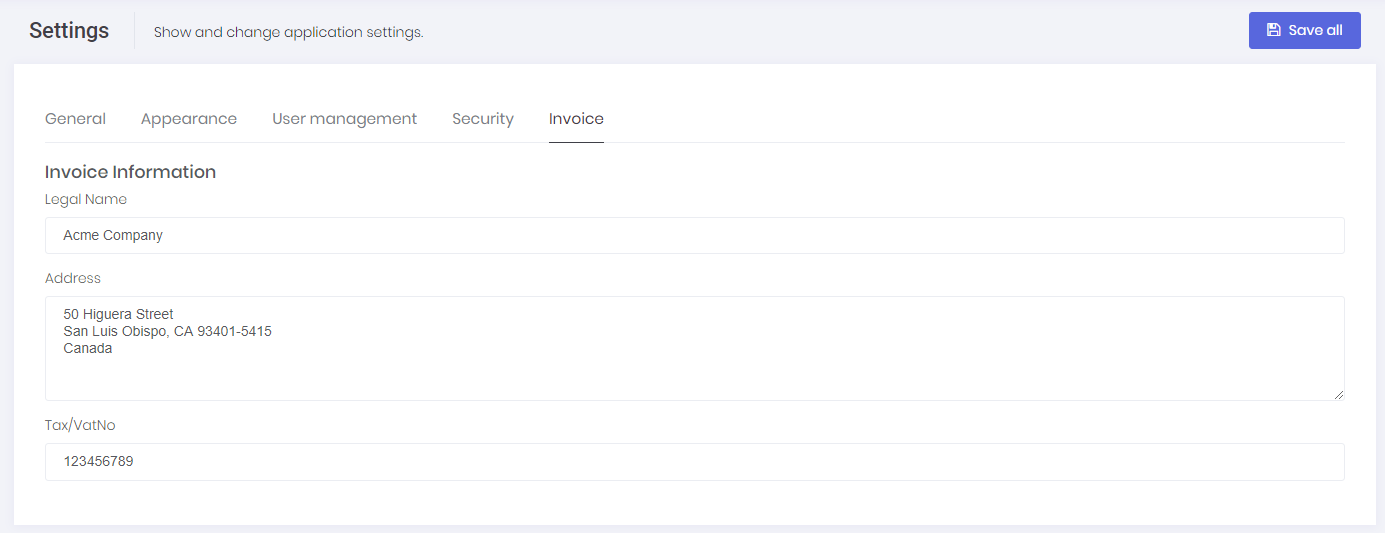
Tenants can also create & print invoices for these payments by clicking the " Show Invoice " button. System will automatically generate an invoice number and show the generated invoice. In order to use this function, both Host and Tenant must set invoice information on host setting/tenant setting page.
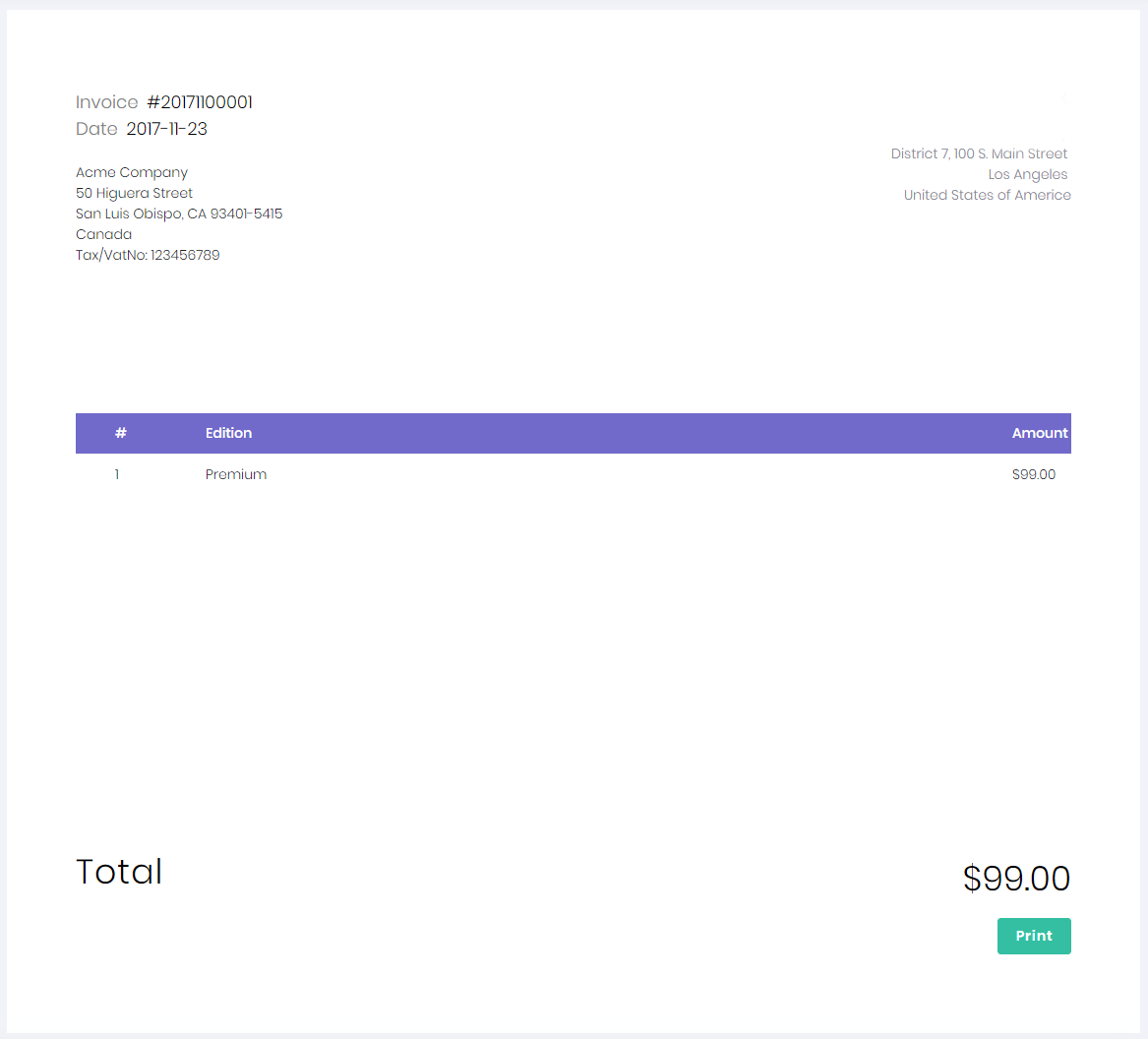
After all, invoices for payments related to subscription can be generated. You can see a sample invoice below:
IntelliSent's subscription system allows using two payment gateways, one is PayPal and the other one is Stripe.
When subscription of a Tenant is about to expire, an email is sent to email address of the tenant to remind this expiration.