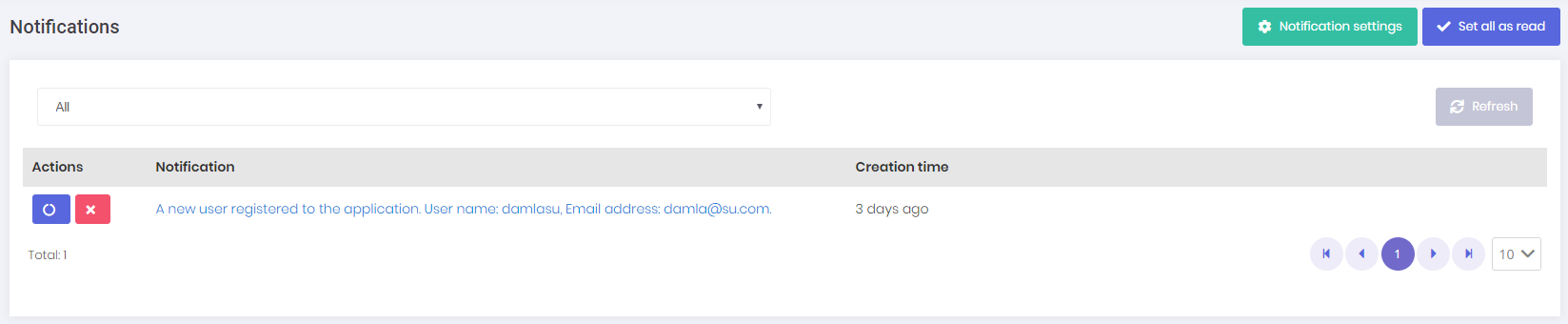
Notifications
Notification icon is located next to the language selection button.

User can see 3 recent notifications by clicking this icon.
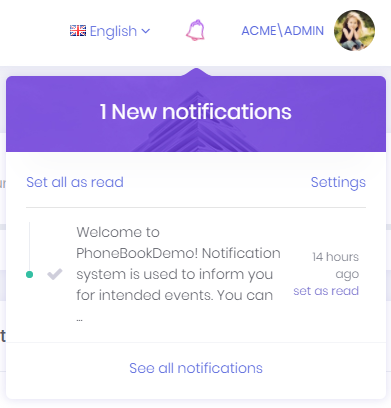
User can marks all notifications as read by clicking the Set all as read link or can mark a single notification by clicking the Set as read link next to each notification. Notifications are sent real-time using SignalR. In addition, a desktop push notification is shown when a notification is received.
Notification Settings
Settings link opens notification settings dialog.
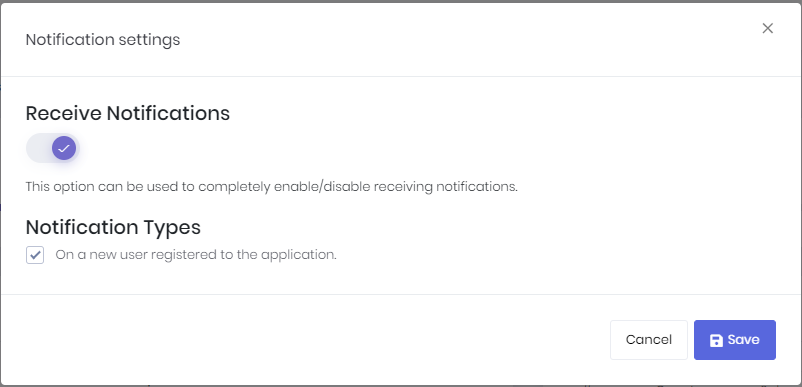
In this dialog there is a global setting for user to enable/disable receiving notifications. If this setting is enabled, then user can enable/disable each notification individually.
Notification List
All notifications of the user are listed in this page. We can delete and mark a notification as read in this page.