Language Management
Language management page is used to manage (add/edit/delete) application languages and change localized texts:
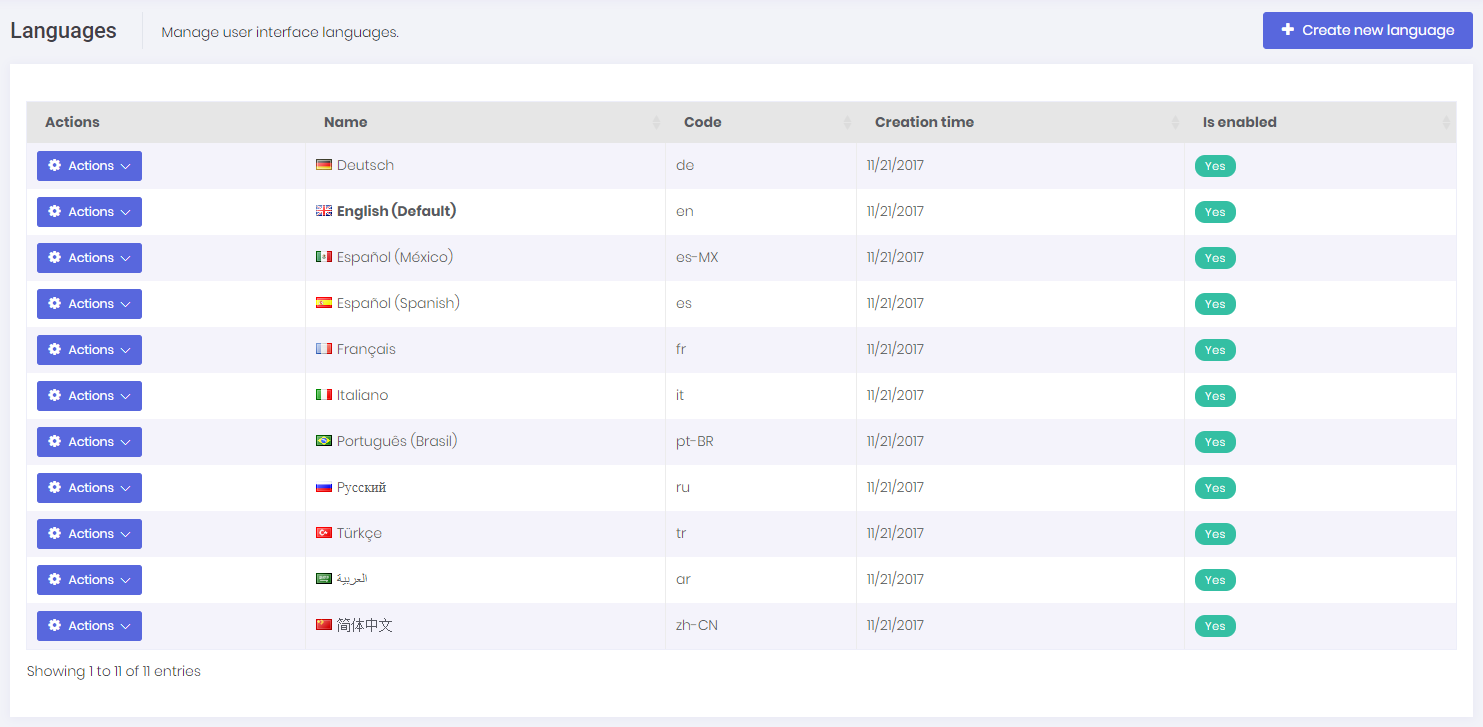
We can create new language, edit/delete an existing language and set a language as default. Note that; tenants can not create/edit/delete default languages, but host users can do.
When we click to Change text for any language, we are redirected to a new view to edit language texts:
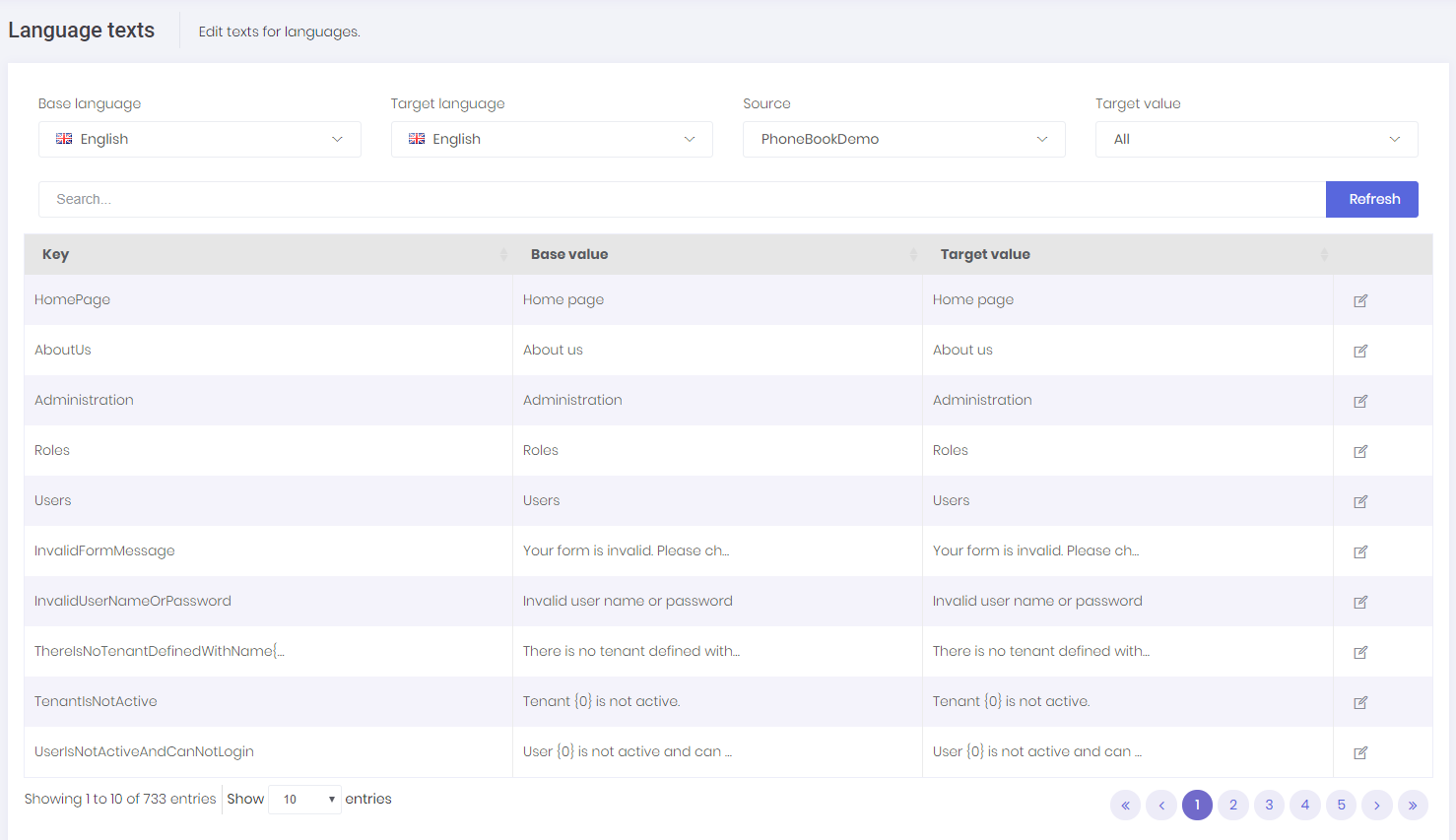
We can select any language as a base (reference) and change target language's texts. Base language is just to help the translation progress. 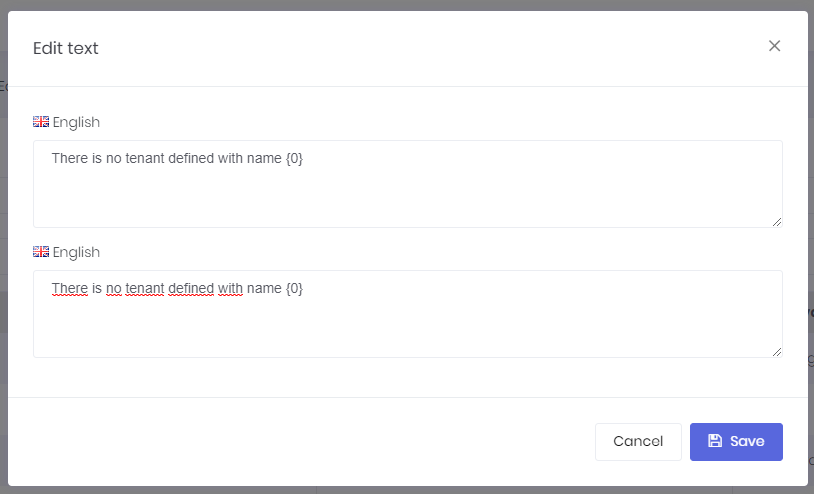
Host users (if allowed) can edit languages and localized texts. These languages will be default for all tenants for a multi-tenant application. Tenants inherit languages and localized texts and can override localized texts.